
Creating a professional-looking logo can be both simple and affordable. Today’s logo makers will allow beginners to create, customize, and launch their company image in no time.
The two best options available are Shopify Logo Maker and Design.com, which both provide tools for non-designers. Although Hatchful has the potential to be very simple and user-friendly, Design.com is by far the better option because of its vast array of features, professional templates, and flexible branding options that greatly exceed what most users would expect from a basic logo creator.
Quick Look: Hatchful vs Design.com for Beginners
Beginners have plenty of options, but not all logo makers are created equal. Shopify Logo Maker is easy to start with, while Design.com gives beginners everything they need to create professional logos and expand their brand across websites, social media, and print, all without prior design experience.
1. Logo Template Library
Design.com has many resources available to help new designers get started with creating logos for their companies.
One of the key factors in whether or not new designers will be able to create a good logo (in terms of quality) is going to be how many template options they have at their disposal.
Design.com Variety
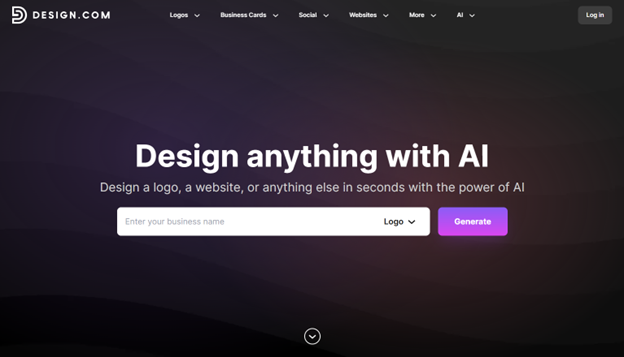
- Over 400K+ logo templates and 1 million+ design templates, suitable for any industry
- Hundreds of thousands of vector shapes and exclusive fonts
- Professional designs that are easy for beginners to customize
- Templates that give beginners a head start and creative inspiration
Shopify Logo Maker Variety
Hatchful is similar to Design.com but much more limited.
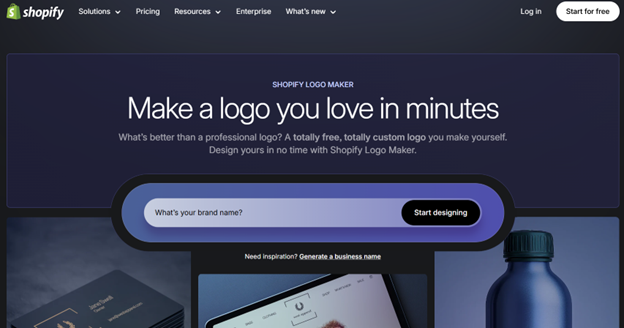
- Beginner-friendly templates organized by industry, such as fashion, tech, or services
- Simple customization of fonts, colors, and layouts
- Quick logo creation for digital use, especially for websites and social media
- Limited options compared to Design.com; fewer fonts, icons, and design assets
However, once a user starts to grow their company and wants to further customize their logo (to better fit their brand), Hatchful does not offer enough customizable features to satisfy this need.
The more templates you have access to, and the more professional those templates look, the less intimidating it is to try to create a logo for your company. This can also spark creativity and allow you to create a high-quality logo for your company faster and with ease.
2. AI-Powered Design Tools
Using AI can help a beginner make a good design without needing any experience in creating a good design.
Design.com Capabilities
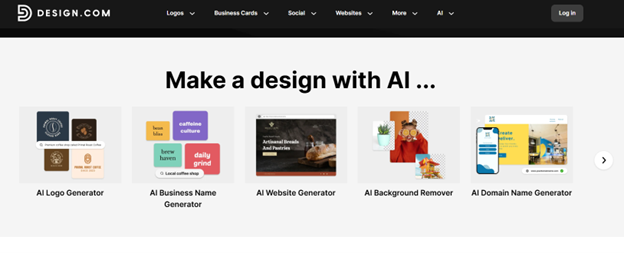
- An AI logo generator with new ideas every second
- An AI-powered website builder and business card maker, as well as a flyer, presentation, etc.
- A beginner-friendly editor using a chat function to allow you to edit color, font, icon, etc.
- AI to ensure all of your creations are safe from copyright infringement and look professional.
Shopify Logo Maker Capabilities
- Basic AI-assisted suggestions for logo concepts
- Simple drag-and-drop editing suitable for beginners
- Limited options for branding beyond the logo
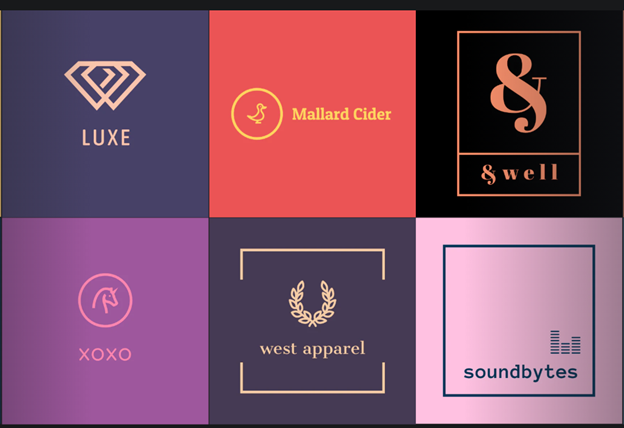
Beginners will find it easier to use AI to guide them through the creative process to avoid making mistakes and be able to create professional-quality designs much faster.
3. Branding & Design Flexibility
Branding is only successful when all of your marketing channels are consistent, and this is typically an area where new designers will need some help.
Design.com for New Designers
- Over 50 additional tools, including websites, social media posts, digital business cards, flyers, presentations, QR codes, letterheads, and menus
- Automatic color matching to maintain consistent branding
- Extended licenses for exclusive logo use, so beginners can confidently own their design
Shopify Logo Maker for New Designers
- Logos only
- No built-in tools for creating matching social media or print assets
- Beginners must manually extend branding outside Hatchful
Using Design.com, a small business owner can create a logo and then automatically create social media posts with matching designs, a business card, and a website layout – all designed to look like the same company. On Hatchful, a designer would need to use multiple tools to get the same results.
4. File Types & Commercial Use
A beginner’s logo should be designed with flexibility in mind when choosing a file type.
Design.com File Formats
- Vector (SVG, EPS, PDF)
- Raster (JPG, PNG)
- Animated (MP4, GIF)
- Transparent Backgrounds and Icon-Only Designs
- All of these are commercially safe.
Shopify Logo Maker File Formats
- PNG format downloads for free logos, suitable for websites and social media
- Limited options for vector, animated, or transparent formats
- Logos can be used commercially, but advanced file flexibility is minimal
Having multiple file types makes it much easier to use your logo across all of your online and offline platforms (websites, social media, print) without having to purchase additional software.
5. Printing & Merchandise
Beginners are often drawn to designing logos and products (such as T-shirts) to help them get started with bringing their brand to life.
Design.com for Beginners
- Beginners can print their logos on a variety of products (business cards, mugs, t-shirts, mouse pads, etc.)
- They can have free shipping available for each product they print
- Besides, they can apply the same design elements across all printed items
Shopify Logo Maker for Beginners
Hatchful does not have an option for printing or merchandise; therefore, if you wanted to print your logo or other designs, you would need to first export your logo from Hatchful, then take that exported image to a third party for printing.
While Design.com makes it easy for beginners to view their brand in “real time” without having to go through many additional steps, Hatchful will only allow designers to create digital versions of their brands.
6. Support & Accessibility
Support is key to new designers who may need assistance during the design phase.
Design.com Support
- 24/7 live chat and email support
- Multi-language options (English, Spanish, French, German, Portuguese, Canadian French, Brazilian Portuguese)
- Payment options in a variety of currencies
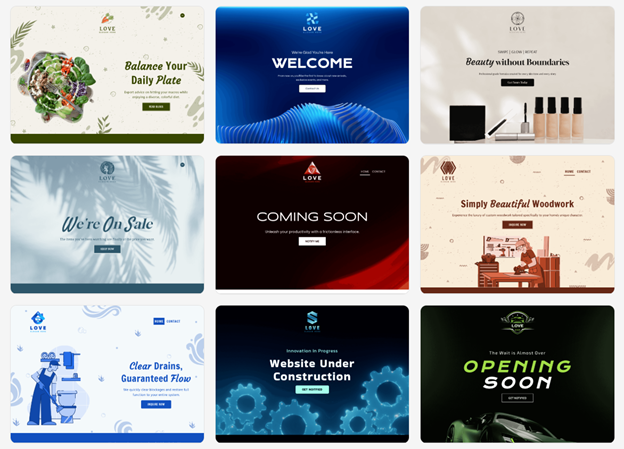
Shopify Logo Maker’s Support
- Email-based customer service and basic tutorial articles
- Live support is limited
New designers who use Design.com will be able to receive help at any time, while new designers who use Hatchful will need to seek out their own help resources.
Final Verdict
If you’re new to logos, Shopify Logo Maker can be an easy-to-use, free way to get started quickly on a basic logo; it has an easy interface and is great for testing ideas or making some simple projects.
But if you’re a beginner looking for a full branding platform that produces exceptional results, then Design.com is the best option for you.
As a beginner, Design.com has benefits such as:
- AI-guided design tools to help make the design process easier and faster
- Huge library of templates and fonts that cannot be found anywhere else
- Seamless branding across websites, social media, and printed materials
- Files that can be used commercially and can be printed and made into merchandise
- Support staff available 24 hours a day and in multiple languages
Whether you are starting a company, a side hustle, or a personal project, Design.com gives you the ability to start from scratch and create a clean, professional-looking brand.
Begin your beginner-friendly branding experience at Design.com today and let Design.com help you bring your ideas to life; No design experience needed!